 Demo






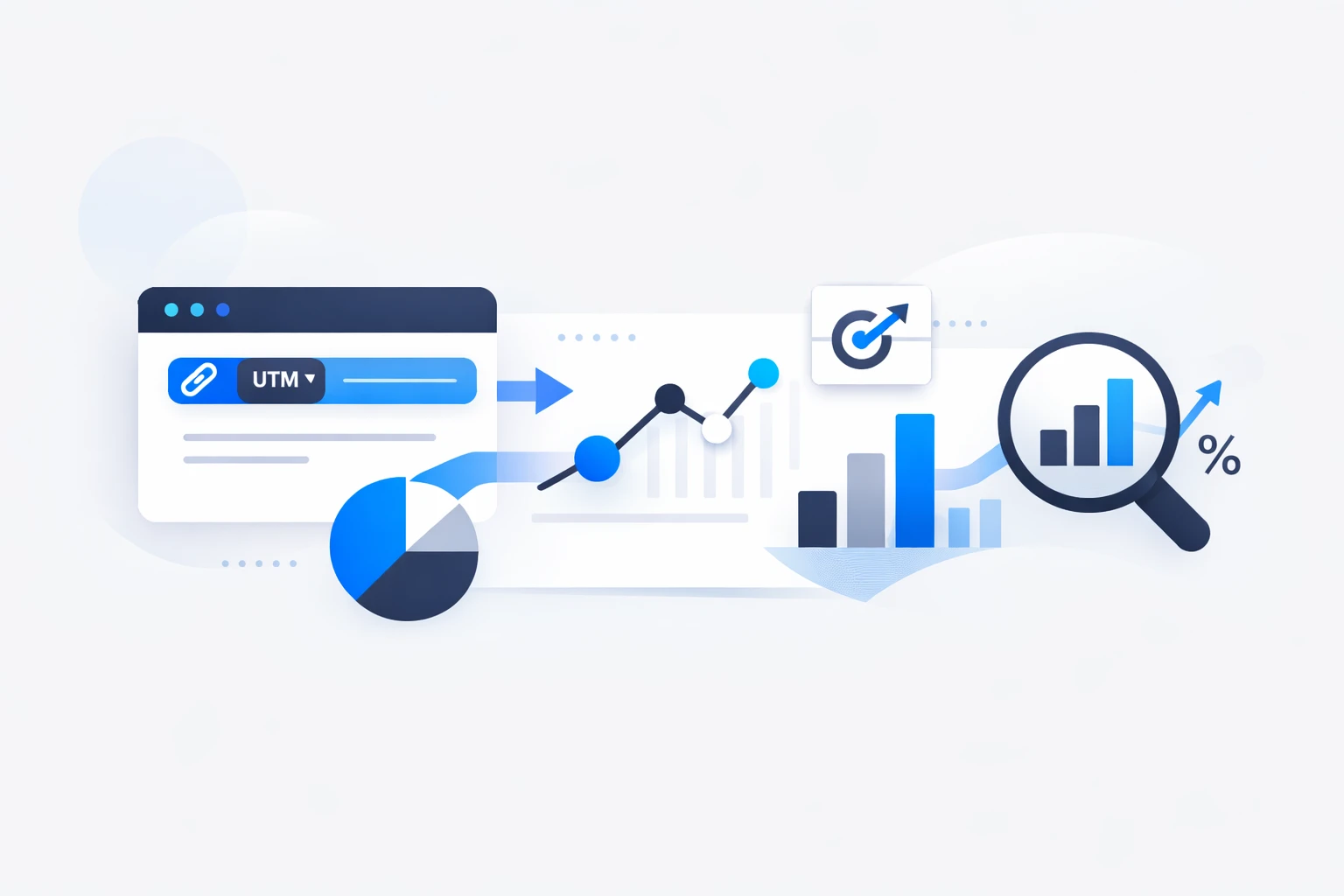
UTM parameters have become a cornerstone of digital marketing. Simple in appearance, they allow marketers and communication managers to quickly understand the source of web traffic, measure the return on investment of each action, each campaign, and adjust their strategies almost instantly.
Added to the end of a URL, these small fragments of text composed of tags like utm_source, utm_medium, utm_campaign, utm_term, and utm_content are the black box of your campaigns. They reveal how your visitors discovered your site, which channel convinced them to click, and what ultimately drives the most conversions.
With a tool like URLR, everything becomes simple: automatic creation of UTM links, smart shortening, and performance tracking at a single click. A definite time saver and a clear reading of your marketing data. Shall we show you? 👇
What is a UTM parameter?
The UTM (Urchin Tracking Modules) originated with Urchin Software, a predecessor of Google Analytics. These tags allow you to track and attribute each visit to a specific source, whether it’s a LinkedIn post, a Google Ads campaign, or a link included in an email signature.
Without them, many visitors would be categorized as “direct traffic,” a often vague and less actionable category. Thanks to UTMs, you know exactly where each click comes from, which makes decision-making and optimizing your media budgets easier.
Why use them?
- Precise performance measurement: identify high-yield channels,
- Investment Optimization : reallocate your budgets towards the most profitable levers,
- Sales/Marketing Alignment : provide the sales teams with reliable data on lead sources,
- Unified Multichannel Vision : reconcile your SEA campaigns, social media, emailing, and organic posts.
👉 Good to know: only external links should be tagged. Avoid using UTM parameters on internal links to your site, to prevent distorting attribution data.
The structure of a URL and the role of UTM parameters
A URL consists of several structural elements:
- the protocol: https://
- the subdomain: www.
- the domain name: your-site.com
- the subdirectories: /fr/blog/
- the targeted page: article.html
It’s after the question mark (?) that UTMs come into play. Each parameter is separated by an “&” and adds tracking information.
Concrete Example:
This URL indicates:
- the source: Facebook
- the channel: social
- the campaign: guide2025
Result: you know that the user comes from a Facebook post linked to the launch campaign of your guide.
By using URLR, you can automatically integrate these UTMs when shortening URLs. This way, your links remain short, clean, and trackable.
The 5 essential UTM parameters explained
UTMs consist of 5 tags that together enable precise attribution in Google Analytics or any other tracking tool.
1️⃣ utm_source, where does the traffic come from?
This is the source of acquisition. It indicates the site, social network, or platform from which the click originated: utm_source=facebook or utm_source=newsletter_may2025.
This allows you to separate organic traffic (related to free posts, here Facebook) from paid traffic (sponsored ads).
2️⃣ utm_medium, which channel?
This tag describes the marketing channel used:
- utm_medium=social for organic posts,
- utm_medium=cpc for paid campaigns,
- utm_medium=email for newsletters.
A consistent naming convention is essential: do not write ‘Social’ one day and ‘social-media’ another. Lowercase letters and standardized terms ensure readable Analytics tables.
3️⃣ utm_campaign, which campaign?
It groups the URLs of the same marketing action. Example: utm_campaign=blackfriday2025 or utm_campaign=launch_app.
This way, you can compare the performance of different campaigns at a glance.
4️⃣ utm_term, what keywords or audiences?
Especially useful in Google Ads or in paid SEO strategies. Example: utm_term=marketing+digital+training. This helps identify the words or phrases generating the most conversions.
5️⃣ utm_content, which version of the link?
Ideal for A/B testing, this tag differentiates between two elements within the same campaign. Example:
- utm_content=blue-button
- utm_content=video-banner
This way, you can see which visual, button, or message encourages the most clicks.
👉 Pro tip: with URLR, you can save your UTM templates for automatic reuse.
How to easily create UTM links?
Spoiler alert: with URLR.
Manually creating UTM links can quickly become tedious. That’s where URLR comes in, an all-in-one tool that generates, validates, shortens, and tracks your URLs in seconds.
Steps for automated creation
- Enter your original URL.
- Choose or enter your parameters: source, medium, campaign (and optionally term, content).
- Click on “Generate”: your UTM link is created, automatically shortened, and tracked instantly.
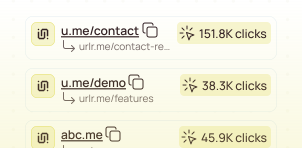
Each click is then recorded in your URLR dashboard: location, device type, time, source, etc. You get a complete overview effortlessly.
The advantages of URLR compared to traditional generators
| Feature | Google URL Builder | URLR |
|---|---|---|
| UTM Generation | ✅ | ✅ |
| Shortening | ❌ | ✅ short and customizable |
| Click Statistics | ❌ | ✅ geo, device, source |
| Link archiving | ❌ | ✅ collaborative library |
| Export Analytics | Manual | Automatic |
Result: you save precious hours, avoid input errors, and centralize tracking for all your marketing campaigns.
Analyze your UTMs in Google Analytics
Once your URLs are live, Google Analytics becomes your ally for deciphering the collected data.
Where to find UTM information?
In GA4, navigate to:
Reports → Generate leads → Traffic acquisition
By default, the report shows the “Default channel grouping”. To view your UTM parameters, click on the dropdown menu and select:
- “Source / session medium” to view source and medium
- “Session campaign” to see your campaigns
- “Session source”, “Session medium”, … for more detailed analysis
You can then visualize:
- sessions,
- engaged sessions,
- engagement rate,
- average engagement duration per session,
- events per session,
- the number of events (all events or specific key events).
Thanks to this, you know if your latest LinkedIn post performed better than your emailing, or if your Google Ads are generating higher quality leads.
How to interpret the results?
Once you have the data, it should be useful for your strategic decision-making. For example:
- If utm_source=linkedin is performing well, strengthen your presence on the network,
- If utm_medium=cpc is expensive with no conversions, adjust your ads,
- If utm_content=blue-button generates 25% more clicks, use this design in your future actions.
To complete your analysis, URLR allows you to visualize the immediate click path even before the data is consolidated in Analytics.
Best UTM practices from our marketing experts for reliable tracking
Even the best tools cannot replace a good tagging methodology. Here are the golden rules:
1. Use a consistent naming convention
Choose a unique and simple naming structure. Example: platform_channel_campaign, so linkedin_social_webinar2025.
2. Be consistent with case and formats
Always use lowercase, without spaces or accents. Prefer _ or – over spaces.
3. Never tag your internal links
An internal click containing a UTM will override the actual source of a visitor. Reserve your UTMs for your external channels.
4. Regularly test your links
Before launching a campaign, ensure your URLs lead to the correct page, the right content, and that your parameters display correctly in your analytics.
5. Automate management with URLR
For teams sending dozens of links each week, URLR eliminates human errors and keeps your database clean.
Concrete use cases of UTM links with URLR
🔹 Social media campaigns
Use UTMs on all your links shared on LinkedIn, Instagram, Facebook, or X: utm_source=linkedin&utm_medium=social&utm_campaign=webinar2025. This will allow you to compare the performance of each network, the content assigned to a campaign, and identify those that offer the best engagement.
🔹 Newsletters and emailing
Tag each link in your newsletter with utm_medium=email. By analyzing the click-through rate and conversion, you’ll understand which content grabs the most attention.
🔹 Paid advertisements (Google Ads, Meta Ads)
Use utm_source=google, utm_medium=cpc, and utm_campaign=spring-promo. You will then be able to measure the profitability of your ads.
🔹 B2B events or trade shows
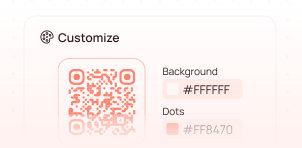
For a trade show, create QR codes that integrate your UTM: utm_source=qr-show&utm_campaign=show2025&utm_medium=offline. Each scan is then tracked in your URLR dashboard where you can analyze them.
Result: a complete view online and offline.
FAQ to learn everything about UTM links
Are UTMs case sensitive?
Yes. “Social” and “social” will be considered two distinct sources. URLR automatically normalizes them.
Should I create new UTMs for each campaign?
Yes, each marketing action deserves its own campaign identifier. This ensures accurate and comparable analyses.
Does URLR allow tracking conversions?
The tool tracks clicks, devices, and locations, then easily integrates with Google Analytics for a complete view of conversions.
Do UTMs slow down page loading?
No, they have no impact on speed or SEO. They are just simple tracking parameters.
Can we use UTMs in QR codes or SMS?
Absolutely! It’s even recommended. And with URLR, your link is automatically shortened to keep it aesthetically pleasing.
In conclusion: master your campaigns with the right UTM links
UTM parameters are much more than a technical detail: they are the universal language of digital marketing. Without them, you can’t accurately measure which efforts generate traffic or sales.
Thanks to tools like URLR, you have a true cockpit:
- automatic tag creation,
- link shortening and personalization,
- real-time tracking,
- direct integration with Google Analytics.
🇫🇷 In summary: shorter links, smarter tracking, and clearer reporting.
So, if you want to improve your campaigns, save time, and increase your conversions, it’s time to harness the power of smart UTM links with URLR.