 Demo






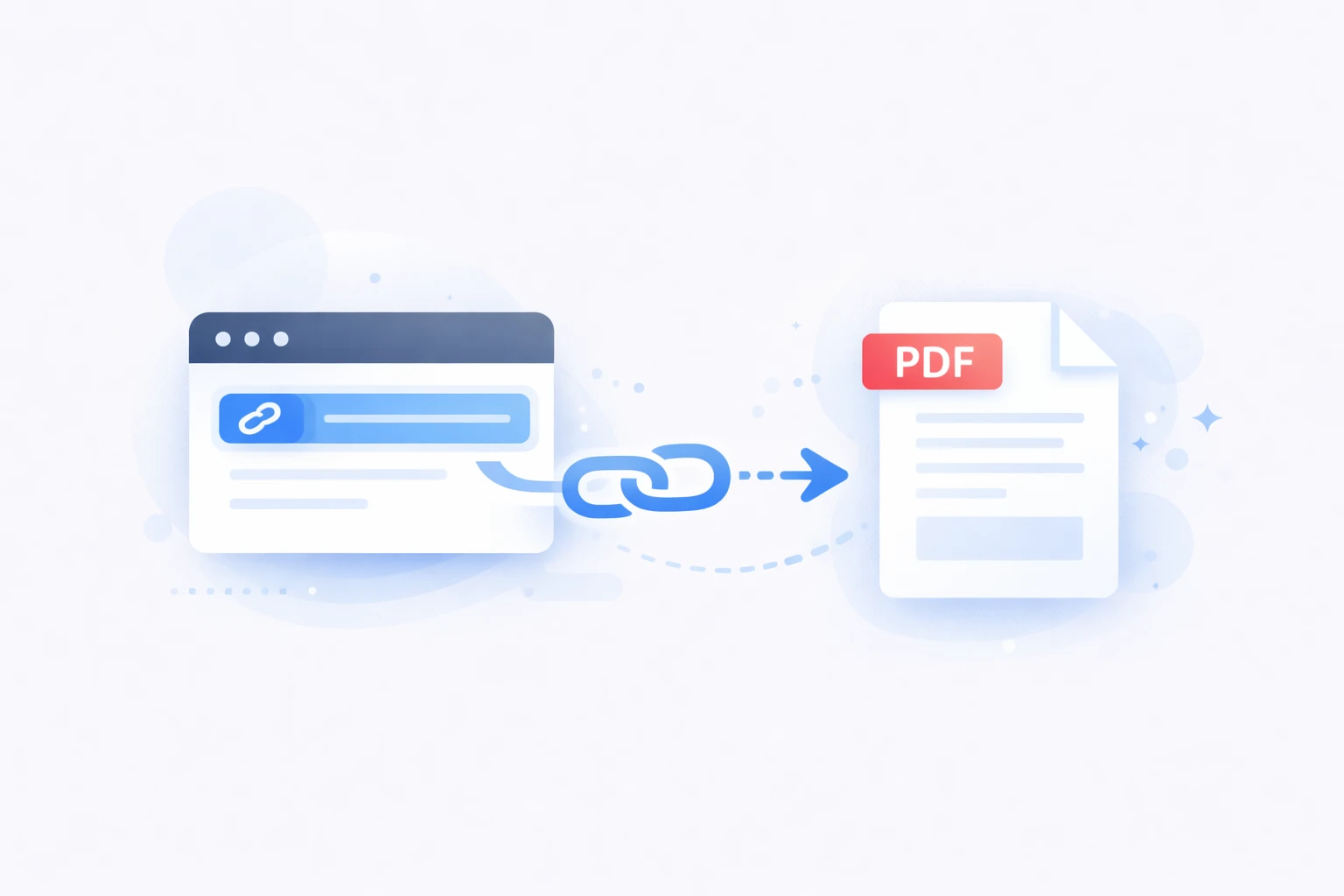
Which of us has never found themselves stuck in front of a PDF file that needs to be shared online? A file that’s too large, arrives corrupted, or is blocked by a password: you’re certainly familiar with the issues. Breathe easy: we provide you with simple and reliable methods to generate a link to your PDF file clearly, quickly, and accessibly.
Why convert a PDF to a clickable link?
The PDF format was designed for easy circulation. Whether it’s documents that need signatures, reports, catalogs, or white papers, we often see a few of these in our inboxes. But without a clickable link, their distribution remains limited, cumbersome, and impractical. We’ve all encountered the error message “attachment too large!” So, let’s explore together why turning a PDF into a clear URL boosts efficiency, visibility, and professionalism.
Share your PDFs more easily
Attaching a PDF to an email can quickly become cumbersome. The file is several MB, it gets stuck in some inboxes, and sometimes it ends up as an overlooked attachment. With a clickable link, you simplify everything: a single click opens the page in the browser, without unnecessary downloads that would clutter the recipient’s hard drive. You enhance the online experience for your customers, prospects, or colleagues.
Track and measure clicks
A click to a PDF serves more than a practical purpose. It’s also a performance indicator: you know how many people clicked and opened the web page, when, and from which channel. You measure the click-through rate (CTR) and the actual interest in your documents. This data is invaluable for tweaking your marketing campaigns and sales materials, for instance.
Enhance your professional image
A long or unreadable address sends the wrong signal. Your contacts may sometimes doubt its security or seriousness. In contrast, adding a clean, short, and personalized address inspires confidence. It enhances your brand just as much as the document itself. It’s a detail that changes everything: a clear URL is a strengthened professional image.
Classic methods for creating a link to a PDF
There are several ways to turn a PDF document into a clickable link. They are indeed easy to set up, work well, but you will see that they quickly show their limits: overly long URLs, no tracking, lack of control. Let’s review the most common options before looking at how to optimize them.
Host your PDF on a cloud (Google Drive, Dropbox, …)
You can save your PDF file on an online storage site. By using Google Drive, Dropbox, or Adobe Document Cloud, for example, you generate a public web address (or private and accessible only to the people you add to the list) that you can share. It’s convenient and quick! However, links are often long, hard to read, and sometimes subject to restrictions if permissions are not properly set.
Publish your PDF directly on your website
Another solution: host the file directly on your website. The PDF becomes accessible via a URL like yoursite.com/file-name.pdf. It’s efficient, but it requires managing the hosting, the file size, and any potential updates. Additionally, you will also need to anticipate the indexing of the web page on search engines: you may not have planned for your file to appear in Google results!
The limitations of these PDF file sharing methods
These solutions are sufficient for basic distribution, but they quickly show their weaknesses:
- Addresses are long, technical, and uninviting.
- You don’t know who is clicking or how many times.
- Each update of the PDF requires a new address.
Result: you’re sharing a document, but without control, data, or a true professional image.
Pro solution: shorten and track your PDF addresses.
Commonly used methods provide you with a link, period. But they give you no control over what it becomes. By complementing these methods with a dedicated tool like URLR.me, you turn a simple address to a hosted PDF file into a real marketing lever for your brand.
Transform a PDF into a short and elegant address.
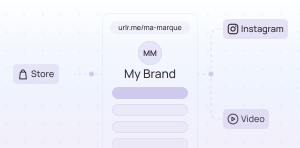
Say goodbye to endless URLs. With our tool URLR.me, every PDF file hosted on a cloud or a site is accessible via a web page with a short, readable, and easily shareable address. You can even personalize it to reflect your brand. A detail, you might think? Yet, it makes all the difference: your contacts are more likely to click on a clear and professional URL, inspiring more trust.
Track the number of clicks and the performance of your PDFs.
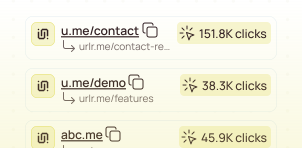
A link doesn’t just open a file. It’s also a data source. URLR.me allows you to track in real time how many people click, when, and from which channel. You can find your statistics on a dashboard and measure CTR, engagement, and real interest in your documents.
Manage your shares with integrated QR codes.
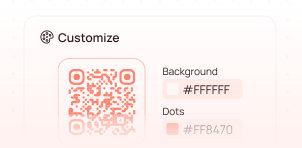
Want to distribute your PDF offline? Generating an associated QR code takes a second with our tool. It’s the perfect solution for your printed brochures, events, or presentations. One address, two uses: click or scan.
Modify the destination even after distribution.
Have you replaced your PDF with an updated version? No need to send a new link. With the URLR.me tool, you keep the same URL and redirect your contacts to the correct file. It’s flexible, convenient, and secure.
How does it work?
Creating a link to your PDF with URLR.me takes just a few seconds. Here are the steps:
- Log in to your URLR.me account from the dashboard.
- Click on “Create a short link”.
- Enter the address of your PDF (Google Drive, Dropbox, website, etc.) in the designated field.
- Customize the link if you wish: choose an alias, add a tag, or a custom domain.
- Tracking is automatically enabled: your clicks will be recorded in your statistics.
- Validate and copy your short link. You can now share it in an email, a LinkedIn post, or associate it with a QR code.
In just a few clicks, you move from a long, unappealing URL to a short link, elegant and trackable.
Some practical use cases
Here are three situations where sharing a short address makes all the difference.
To share a PDF brochure in a newsletter
An email campaign relies on clicks. Sometimes, having a click button is not relevant, as it doesn’t meet the readers’ expectations. So, the link becomes the gateway to your PDFs. However, when it’s too long or uninviting, we know it reduces your chances of capturing attention. With a short, clear, and trackable link, you can see how many recipients opened your brochure and which content generates the most interest.
To integrate a PDF white paper into a LinkedIn post
On social media, everything moves quickly. Adding a vague link or one that looks like all the others discourages clicks and makes your image less professional. A short link inspires trust, increases engagement rates, and enhances your resources. Plus, you measure the impact of your posts in real time.
To add a PDF into a QR code for an event
Trade shows, conferences, training: your printed materials or booths deserve better than a stack of flyers. A QR code linked to a PDF offers direct access to your catalogs, presentations, or forms. Your visitors scan, access the content, and you keep track of interactions.
Best practices for sharing your PDFs effectively
Sharing a PDF can be powerful… or pointless. It all depends on how you prepare and use it. Here are three easy rules we follow at URLR.me to maximize the impact of our distributions.
Check access rights
A link should open the content, not block it. Too often, a PDF shared from a cloud remains inaccessible due to incorrect settings. Always ensure that your PDF is accessible to the intended public. This is the foundation of frictionless distribution.
Reduce file size for fast display
A PDF that’s too heavy means loading time. You know your visitors close the web page after more than 3 seconds. Don’t discourage your readers! Before generating and adding your link to your communications, optimize your document. Compress images, simplify the design: a light file opens quickly and streamlines the user experience. There are online tools to compress PDFs, so make use of them.
Use a short and trackable link to maximize your results
Sharing a PDF via a raw address works… but you lose all tracking potential. A shortened address gives you two advantages:
- it reinforces visual trust and thus enhances your image,
- it provides you with data on your clicks.
How to turn every share into a source of strategic information for your campaigns.
Answers to the questions we get asked most often
Do you have more questions about creating and sharing links to a PDF? We’re here to help.
Can we create a link to a specific page of a PDF?
Yes, it is possible to create a link to a specific page. Some PDF readers like Adobe Acrobat allow you to add a parameter to the URL, for example, #page=2. This directly opens the desired page in the browser. However, be careful: this does not work with all browsers or sharing services.
Can I see how many people clicked on my PDF content?
Not with a raw address. Common services (Google Drive, Dropbox,…) do not provide this data. To measure clicks, CTR, or engagement, you need to use a link shortening and tracking service, like ours. This is the only way to get reliable statistics about access to your content.
Is it possible to replace the file without changing the link?
With traditional hosting, no: a new file = a new address. To keep the same URL while redirecting to an updated document, you need to use a tool like URLR.me. This is handy to avoid sending multiple versions to your contacts.
The essentials to remember (and apply right now)
Creating a link to a PDF should never be left to chance, knowing it can be a real asset. You’ve seen the traditional methods, their limitations, and the value of a short, trackable, and professional URL. Remember a simple rule: a link is more than just access; it’s a lever.
Your quick checklist
Before sharing your next PDF, think about:
- Checking access rights,
- Reducing the file size and added images for quick and smooth display,
- Create a short, clear, and trackable link,
- Plan for document updates without losing your URL. Here’s what to avoid
- Sending large files as attachments,
- Sharing an unreadable or untrustworthy raw address,
- Forgetting to track: you lose valuable data.