 Demo






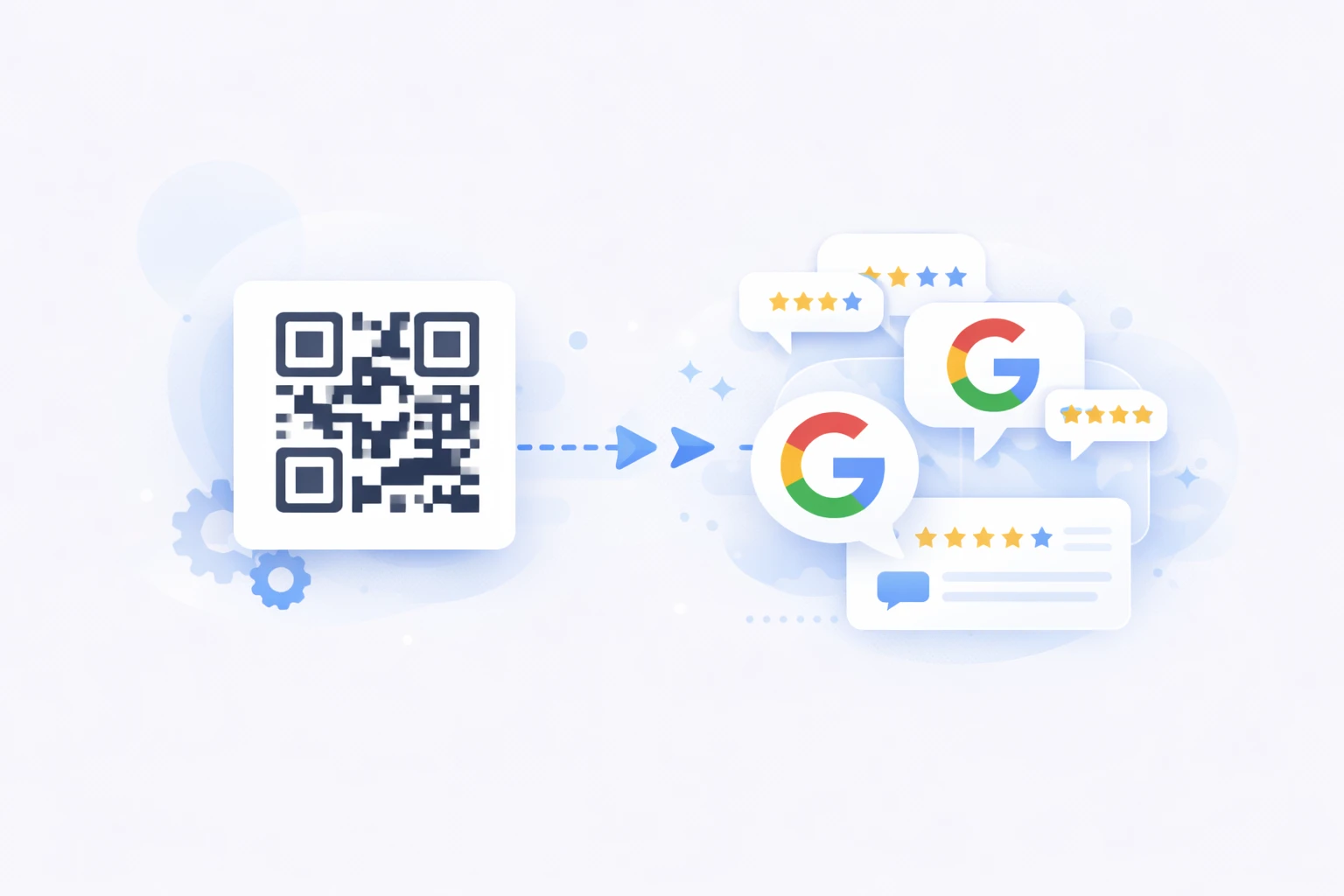
Are you wondering how to easily increase the number of Google reviews collected for your business? The dedicated QR Code for Google reviews is a simple and effective solution that streamlines the process for your customers. Instead of laboriously searching for your listing to leave a comment, a simple scan with their smartphone takes them directly to your review page. The QR code is one of the best ways to obtain authentic feedback from your customers, an essential element for enhancing your e-reputation and boosting your local visibility.
Discover in this article how to create, customize, and share your Google review QR Code to fully leverage this essential digital tool.
A QR code for Google reviews, what is it about?
You have probably seen these little black and white squares on various materials. They are the famous QR codes. For Google reviews, they become a clever shortcut that leads your customers directly to your evaluation page, without complicated and time-consuming searches that might cause them to give up halfway. A simple, quick gesture that can make all the difference.
Your Google reviews are part of your digital identity. They boost your visibility, enhance trust among potential customers, and improve your local SEO. Failing to gather them means letting go of a significant growth opportunity. Let’s see together how to collect your customers’ reviews using a QR code.
How to obtain the direct link to submit a Google review?
This link is where everything starts, so it is essential for you. Here’s how to get it.
Via your Google business profile (Business Profile)
Simply go to the Google My Business dashboard, accessible via the menu at the top right of any Google page. Click on the relevant establishment and you will arrive at the listing. Click on “Request Reviews,” a special link to your review listing is waiting for you. It will form the base of your QR Code. Keep it handy; it’s valuable!
A QR code is automatically generated by Google in this section. You could use it, but we’ll explore together why it’s better to go through a third-party service.
The alternative via a Google search or Google Maps
No account at hand? Search for your establishment on Google or Maps and copy the link that leads to the review tab. This link can easily be transformed into a QR Code.
Why use a QR Code for Google reviews?
Do you think just sharing the link is enough to gather reviews? Smoothen your customers’ journey to encourage them to leave a rating. Thanks to the QR code, you’ll be able to reach more customers.
Save time and simplify the customer experience
No need to search for the Google listing; the QR leads directly to the review page. We know: the more steps there are, the more drop-off points there are for customers. Minimize these to prevent impatience from your clients. With the QR code, a scan, a few words, and pressing the submit button is all it takes to gather a review. You go straight to the point, without unnecessary or time-consuming steps. You increase the participation rate.
Enhance your credibility and local SEO
Reviews directly influence your ranking on Google Maps and the search engine. The more reviews your customers leave, the more the American giant’s algorithm will favor you in the rankings. Your reputation depends on the number of customers who have left a review. Don’t overlook this step and make it easier for them to submit thanks to the QR code.
Create a modern and innovative image
The use of a QR code enhances a brand that is connected and attentive to its customers. It conveys the image of a company that is both accessible and technological, capable of integrating digital into its simplest interactions. Some major brands like IKEA or L’Oréal have been doing this for a long time: they have transformed a simple code into a tool for engagement, information, and even product transparency. By adopting a creative and aesthetic use of the QR code, you solidify your innovative image, attentive and focused on your customers’ experience.
How to generate and customize the QR Code?
Once you have the link to the review form, you need to turn it into a QR code. Here are the steps with URLR, the French solution, fully GDPR compliant, that allows you to manage your short links and QR codes.
Create the visual using a QR Code generator
Many free online tools let you create your QR Code in the blink of an eye. Simply copy the review link, paste it into the QR code generator, and discover your code ready to be used. Quick, efficient, but… you’ll get a very classic visual, without advanced features. Nothing more than what Google already offers. So, let’s see how to go further.
Customize your QR code and make it dynamic
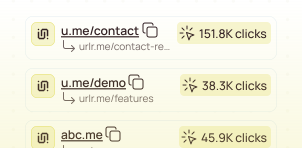
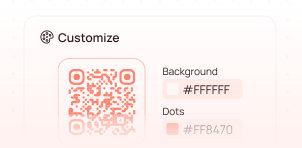
To draw attention to your QR code and encourage your customers to scan it, nothing beats a visually appealing code. To achieve this, add your brand colors and integrate your logo at the center, for example. This step is easy to accomplish with URLR’s QR code creation. What’s the added value of the tool? You can make your QR code dynamic, which means it is automatically linked to a short link: you get access to statistics on the number of scans and can change the link behind the QR code, which isn’t possible with the QR code generated by Google on your business listing, for example.
How to promote your QR Code?
Do you have a QR code in your brand colors? Now, optimize its distribution to collect as many Google reviews as possible.
Physical materials (posters, flyers, receipts)
Print your QR Code on visible materials like posters, flyers, or receipts. The more it is seen, the more it will be used. Think about placing it near areas where your customers can take their time: waiting or relaxation areas, booths at a trade show, …
Digital materials (website, email)
Also integrate your QR code in your emails or on your website. A quick click, a scan, and your customers are already in the process of writing a Google review on your page.
Strategic locations in the point of sale
In a restaurant, on a table or at the checkout: to maximize responses, adapt the placement of your QR Code to the natural path of your customers.
Our marketing expert’s tips to maximize collected reviews
You have placed your QR code in various locations, but you’re not receiving as many Google reviews as you would like? Let’s see how you can encourage your customers.
Politely ask your customers in person.
A polite, well-timed request always works. Train your team to encourage QR code scanning and thus to prompt a Google review at the right moment, with a smile and without being pushy.
Are you wondering when is the best time to ask someone to scan a QR code? It can be just after a positive experience, when the customer has just received a service or product that clearly satisfies them.
Also consider the moment of payment or exit, when the customer is still on-site and the interaction is friendly.
After resolving a problem, when a situation has been handled well, the customer will appreciate your responsiveness and thus be more inclined to leave you a review by scanning the QR code.
Have you noticed a recurring order or subscription? A loyal customer often appreciates being asked to share their experience. Just a QR code scan and it’s done.
Explain the importance of reviews for the business.
Explain to your customers that their feedback helps improve service quality and grow the community. This transparency contributes to creating a real bond with them. A customer always appreciates seeing that their review is taken into account. Take the time to respond to reviews, whether they are positive or negative. This shows your commitment to your customers’ satisfaction.
Offer incentives or rewards… really?
Do you think a small gift or discount can boost motivation? Be careful to stay transparent… Google’s guidelines are very clear: it is prohibited to offer benefits for reviews, requests for changes, or removal of reviews. Therefore, we strongly discourage this approach with your customers. It could lead to blocking your business profile.
Alternatives and complementary methods for gathering Google reviews.
Email and SMS surveys
The QR Code is great, but it’s just one channel. Emailing and SMS are excellent complements to reach customers directly after their visit. You can automate the sending of these campaigns after a purchase, for example.
Specialized review management tools
There are solutions available in the market to centralize and facilitate the collection, tracking, and distribution of reviews. These applications comply with Google’s regulations, so you can use them with complete peace of mind.
In conclusion …
A large number of positive reviews is a very good signal for your prospects looking for trust signals. Displaying them improves your local SEO and increases your customer count. A true win-win strategy. To collect more easily, the QR code remains one of the best means because it greatly simplifies the process.
To generate attractive QR codes that encourage your customers to scan them, customize them with URLR and track your statistics directly in your dashboard.