
 Demo






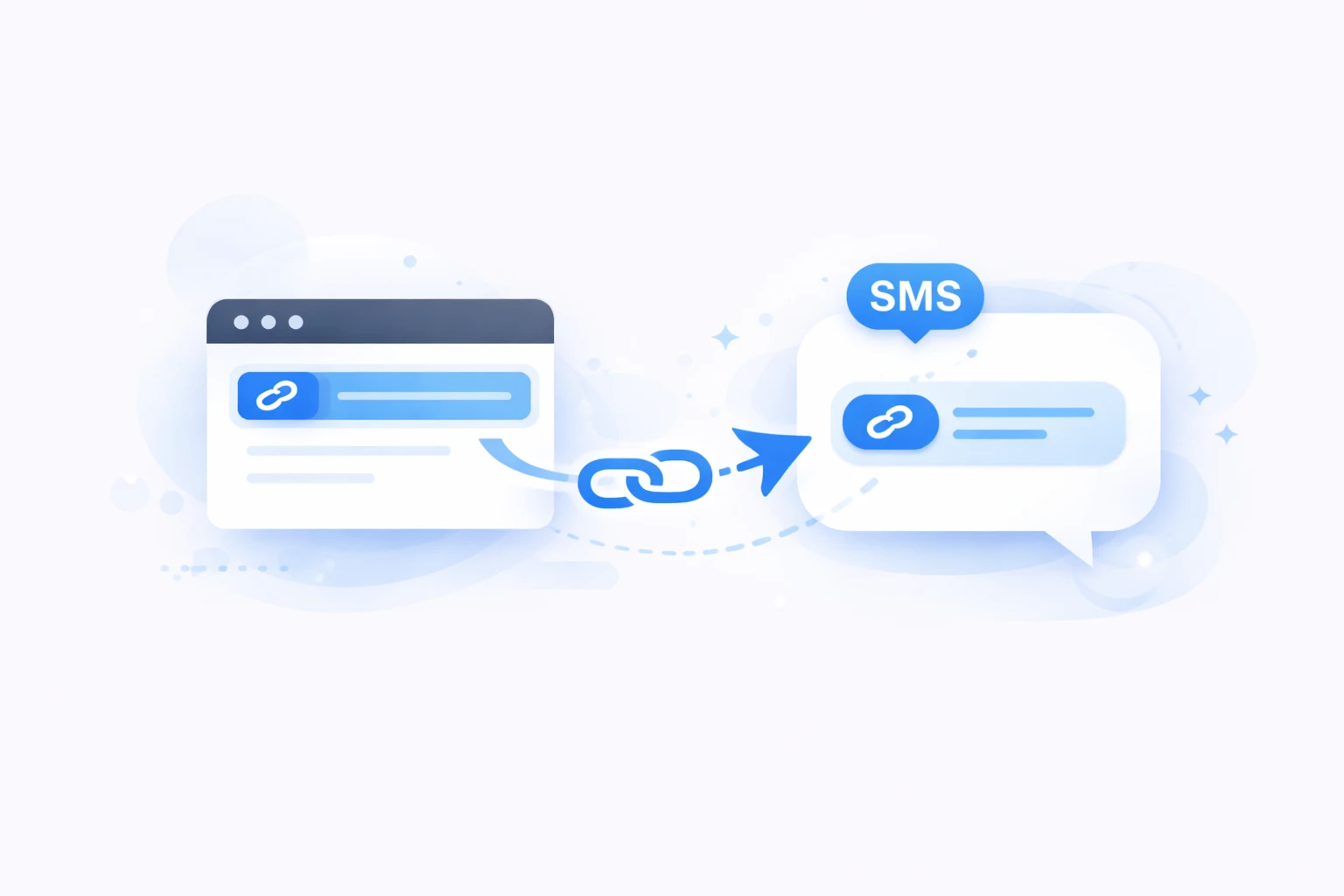
Want to share a link via SMS? Easy… until the URL overflows the message, looks amateur, or discourages clicking. In this article, we show you how to create a short link, clean and trackable, without losing a line or a click.
Why include a link in an SMS?
An SMS is short, direct, and read almost immediately. Adding a link gives it a new dimension: you turn a brief message into a gateway to your content, offers, or forms.
To boost click-through rates and engagement
An SMS alone grabs attention. An SMS with a link triggers action. The address becomes a clear call: click to learn more, reserve, download. Your recipients move from reading to interaction.
To direct your recipients to more content
The SMS doesn’t leave room for detail. With a URL, you redirect to a page, a complete offer, a guide, or a PDF. You maintain the conciseness of the message while providing access to essential information.
To generate leads and measure impact
Without a link, the SMS is hard to measure. With a URL, you track clicks, calculate CTR, and link your sends to conversions. You gain actionable insights to optimize your marketing campaigns.
What methods to insert a link in an SMS?
There are several ways to add a link in an SMS. Some are very simple, others more professional. The goal remains the same: share a clear, engaging address tailored to the 160-character limit.
Paste the URL directly
The most basic method is to copy and paste the address of your site or page. It’s quick but the URL can be long, complicated, and hard to read. It takes up space in your message and may cause hesitation from your recipients.
Use a short link to save space
A text message has a limited length. Shortening your link saves characters and makes the message more readable. A shortened URL inspires more confidence and increases the likelihood of clicks.
Customize the link to build trust
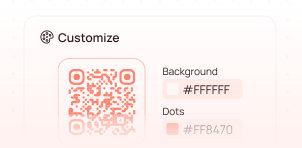
A generic link looks like all the others. By personalizing it, you make your message unique and reassuring. Your recipients immediately see that it’s reliable content related to your brand and are therefore more inclined to click.
Don’t just send texts: measure your clicks
A link embedded in a text message does more than just guide your recipients. It’s also a valuable source of information. Tracking your clicks allows you to measure the effectiveness of your messages and optimize your future campaigns.
Why is tracking essential?
Sending a text without tracking is like launching a campaign into the void. You have no idea who clicks, when, and from which channel. Tracking transforms your URLs into concrete performance indicators.
What metrics should you monitor?
The first remains the click-through rate (CTR). But you can also track the conversions generated, when your recipients interact, and the distribution by channel. This information gives you a clear view of the real impact of your texts. You can use this data to readjust your campaigns and optimize them to improve your results.
How does a professional service simplify tracking?
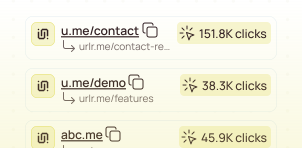
Instead of cobbling together solutions that end up failing, opt for a professional tool that centralizes your statistics, like URLR.me. You get real-time insights on the number of clicks, the performance of each campaign, and the evolution of your engagement. You save time and increase reliability.
Some concrete use cases
Sending a link in a message isn’t just reserved for large marketing campaigns. It’s a useful practice employed in many everyday professional situations. Here are some concrete examples we’ve encountered with our clients.
Share a link to a special offer
A promotional SMS is even more effective when it redirects to a dedicated page. Your customers immediately discover your offer, click to take advantage of it, and you can measure the impact of the operation.
Redirect to a form or a sign-up
Instead of asking for feedback via email or phone, simplify the process. We know: the more steps there are, the more leak zones exist. Include a shortened link in your SMS to a registration form, a survey, or a reservation. You make it easier to act and increase the response and completion rates.
Provide direct access to a PDF or brochure
SMS becomes an ideal gateway for sharing rich content. Catalog, guide, white paper… a URL to a PDF in your message provides immediate access, without heavy attachments or technical friction.
Best practices for your SMS with a link
An SMS with a link can be a powerful lever. However, if poorly prepared, it may seem confusing, untrustworthy, or ineffective. Here are our three simple rules to maximize your results.
Check compatibility and display
Not all phones and browsers display links in the same way. Always test your SMS on multiple devices to avoid surprises and ensure a smooth experience for your readers.
Stay concise and avoid the ‘spammy look’
A message that is too long or filled with symbols can resemble spam. Keep your texts clear, your calls to action simple, and your links readable. This builds trust and increases click-through rates.
Choose a short and trackable link to maximize your results
A raw link clutters your characters and gives you no data. With a shortened and tracked link, provided by a solution like URLR.me, you save space, enhance readability, and improve performance. You know exactly how many people have interacted with your message.
Answers to the most frequently asked questions
Sending links via SMS raises some questions among our users. Here are the answers we typically provide.
Is a shortened link secure?
Yes, as long as you use a reliable service like URLR.me. Short links are widely used by businesses and ensure the security of your recipients, making your messages more readable. URLR.me complies with GDPR, so your data is perfectly secure.
How can I know who clicked on my link?
A raw link provides no data. With a tracking service, you gain access to detailed statistics: number of clicks, click-through rate (CTR), activity periods. This information allows you to optimize your campaigns. You’ll find them directly in your URLR dashboard.
Can you modify the destination after sending?
Generally, no. A standard URL cannot be modified once sent. However, at URLR, we allow you to redirect a web address to a new destination without changing the shared address.
Key takeaways (to apply to your next SMS campaigns)
Sending a link in a message isn’t just about pasting a URL. It’s a powerful tool to generate engagement, direct your recipients to your content, and measure your results. Here’s what you need to keep in mind.
Key steps to remember
- Shorten the URL to save space in your SMS.
- Track your clicks to measure the effectiveness of your campaigns.
- Personalize your links to build trust.
Mistakes to avoid
- Sending a raw URL that is too long.
- Cluttering your SMS with unnecessary characters.
- Forget tracking: you lose valuable data.
- Neglecting user experience by not testing the link.